VFX 420 Technical Direction Compositing BLOG
This blog is dedicated to my work-in-progress on the various projects I will be completing during the class VFX 420 Technical Direction in Compositing. I am taking this course during my winter quarter this year at SCAD.
Project 3 - Magic Box and Projections.
- Day One -
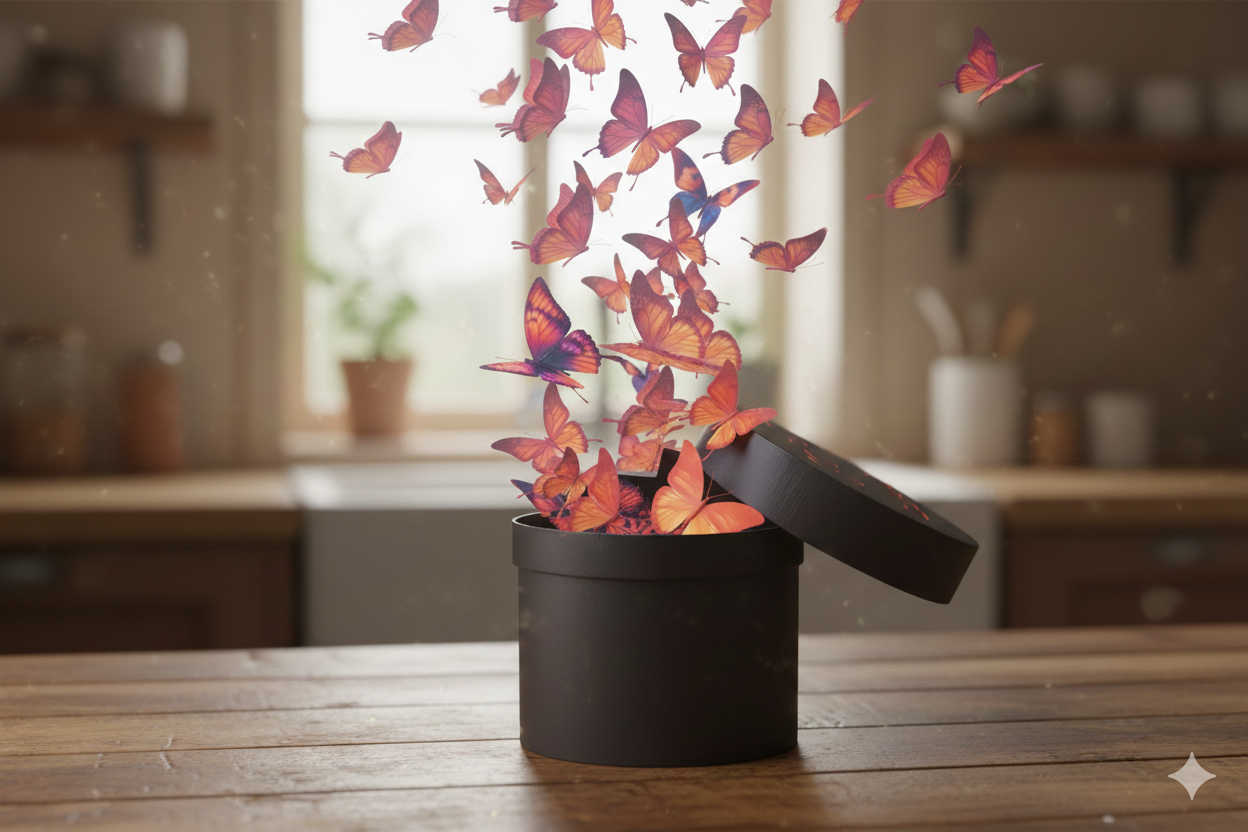
Ideation using Nano Banana.
- Day Two -
Shooting the backplate, lighting reference, and HDR.
- Day Three-
This was dedicated to camera tracking the footage for the integration of the projected plate on top. The track itself was successful. There is still a plan for getting a 3D Polycam scan of the wall itself for the geometry texture projection.

Project 1 - Integrating a CG object into a real photograph.
- Day One -
Here are the original images, one with a cube and one without. I will use this cube to match the camera perspective in Maya.
Original Image Above, below are the reference images with the cube and the maya interface of the perspective set-up.
- Day Two and Three -
Day Two’s Model
Worked on lining up the lighting within the viewport and building up on the geometry of the stairs for future rigid body simulations. I decided on apples for the object I will place in the scene, and the goal is to have them cascading down the stairs. The apple model was both created and textured inside of Houdini and were transferred to Maya. The model was created via a combination of soft transforms and mountain nodes, and the texture was created inside the Copernicus node network.
Still have a lot of work to do to refine the model and texture in Maya, and work on the compositing aspect. Below is just the rough render from the viewport directly on a background. The occlusion layers and shadow layers still need to be created, as well as the grading of all layers.
Day Three’s WIP Rendering for Shadow/Lighting Set-up
Project 2 - Camera Tracking and Customizing Rock Texture Elements
- Day One -
This project will be an live-action composite where I will make a crystal texture on an object and match it to a live-action plate.
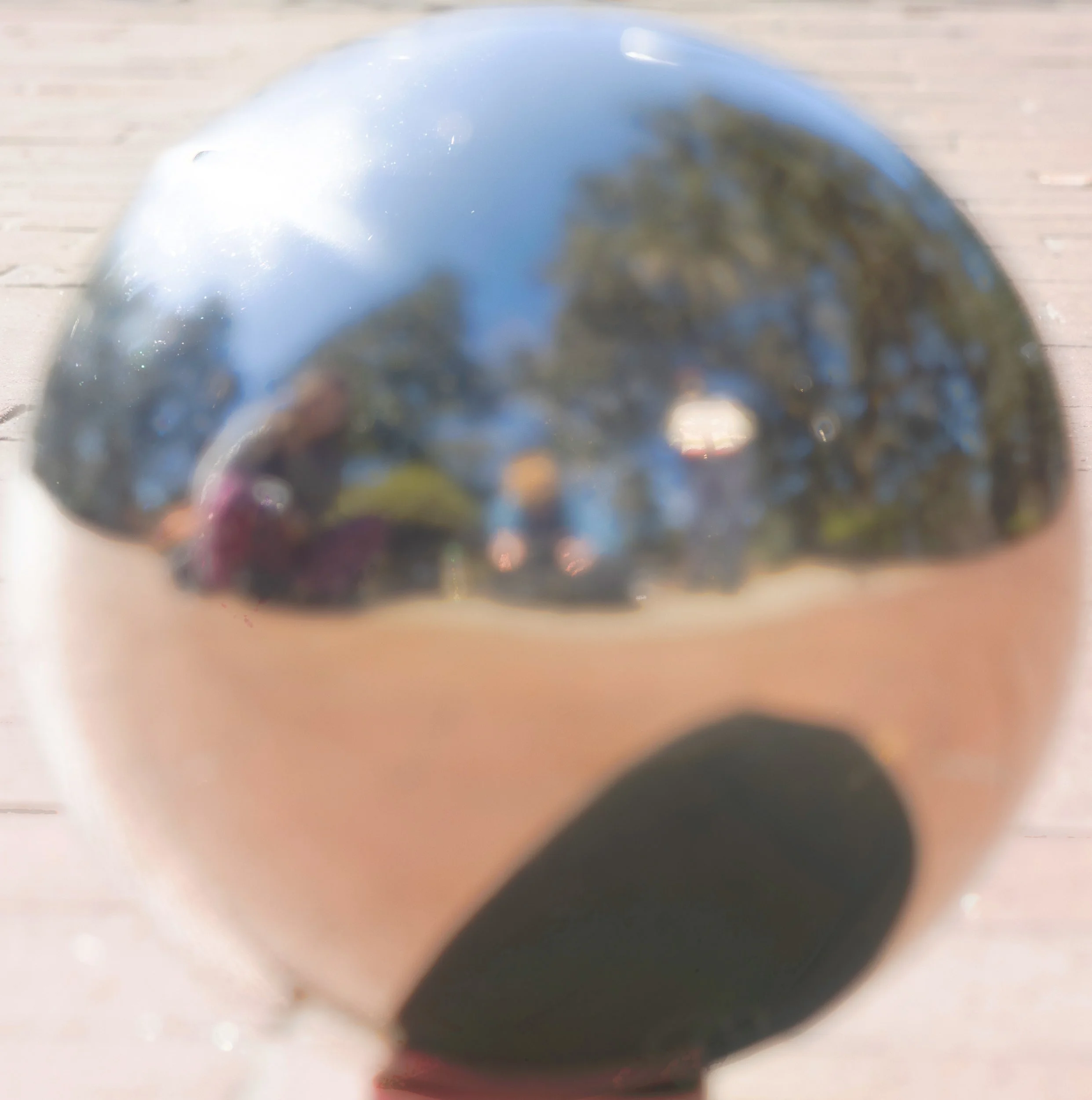
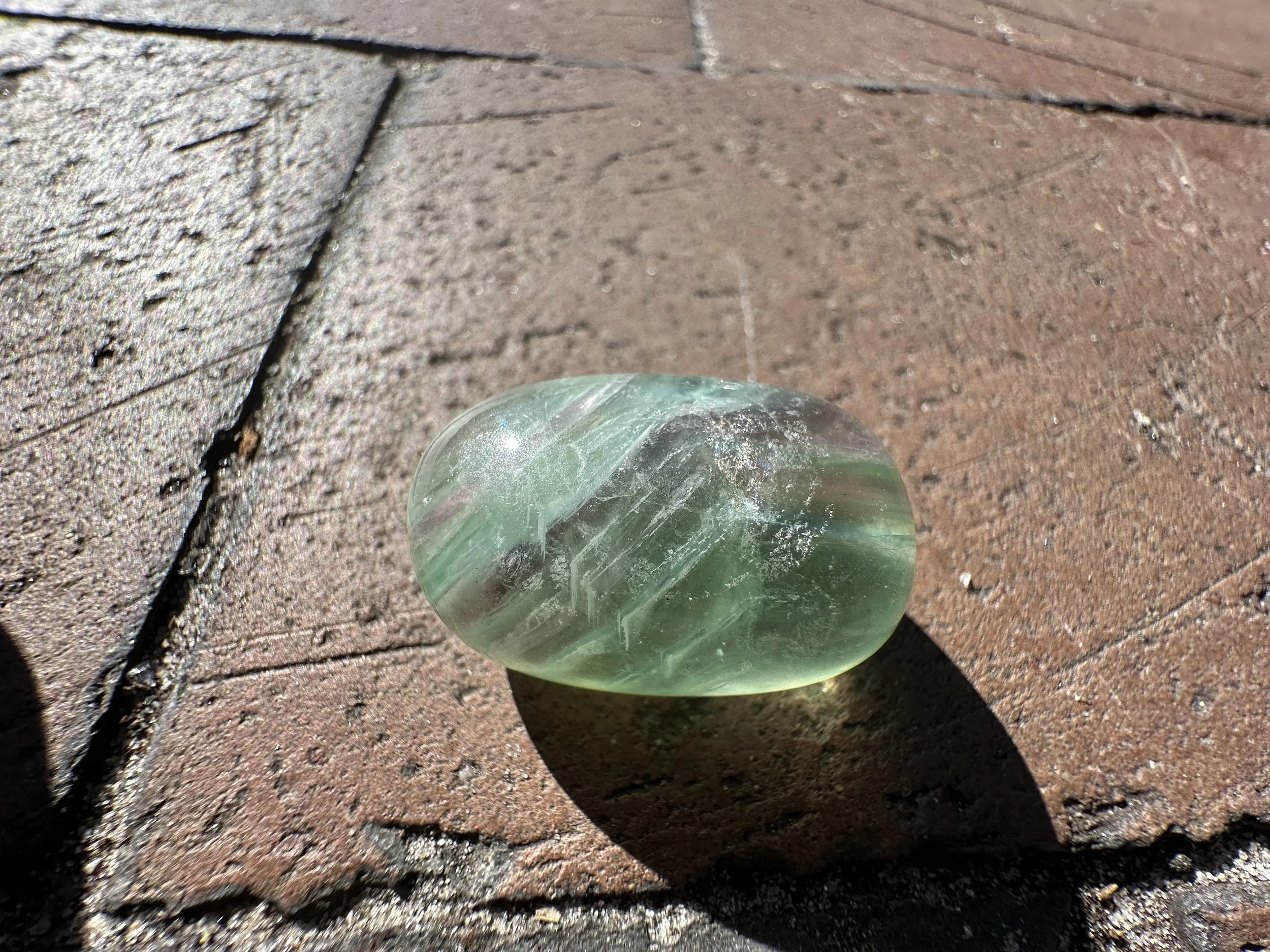
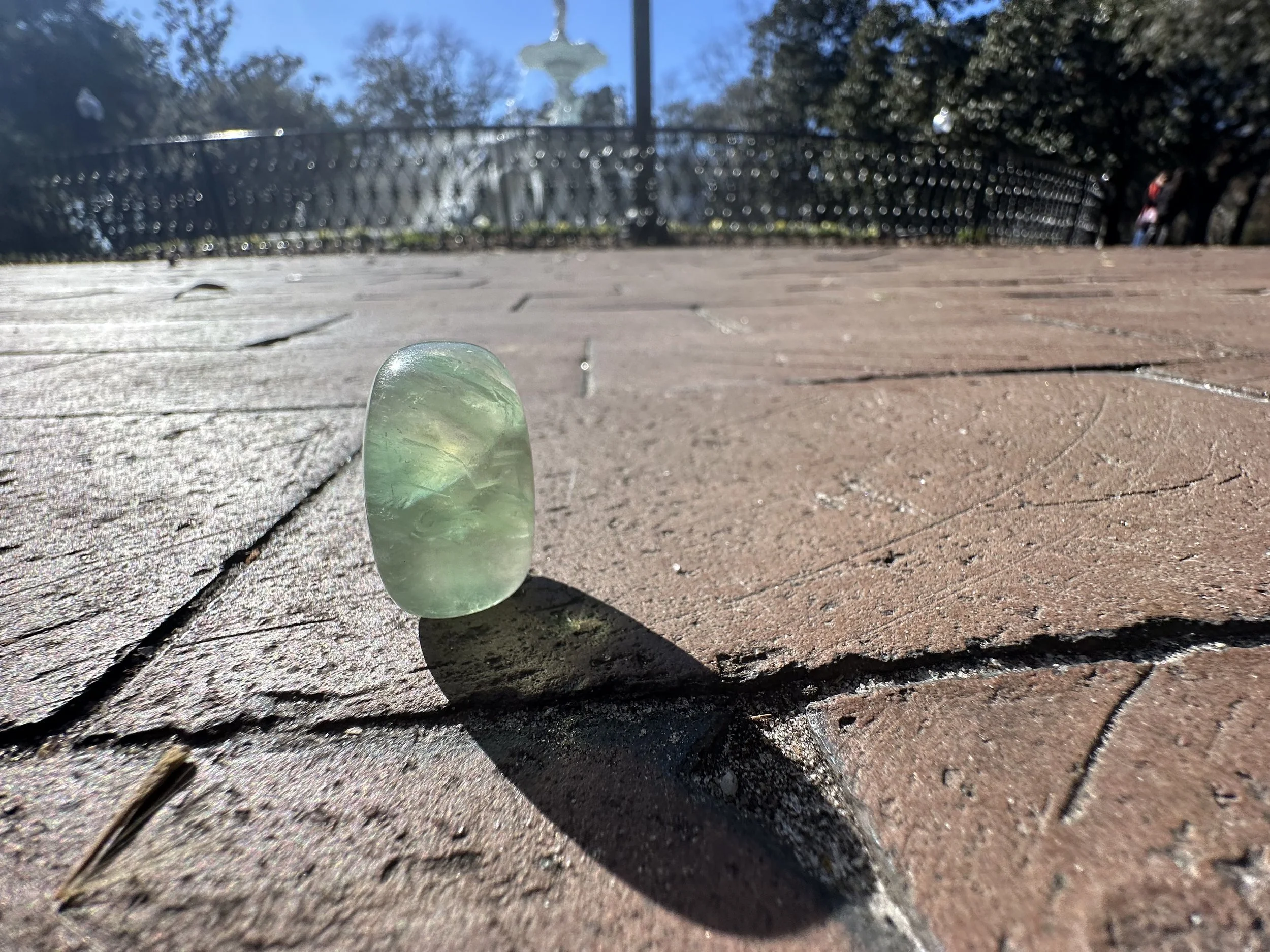
Day one I shoot the rock references, the plate for the comp, chrome ball, and any shadow references.
Camera Track with Grey Ball
- Day Two -
Day two was dedicated to completing processing the HDR, and starting to map out where I am going for the texture for the Stanford model I am using. For now, I am mainly figuring out the subsurface of the object.
HDR